
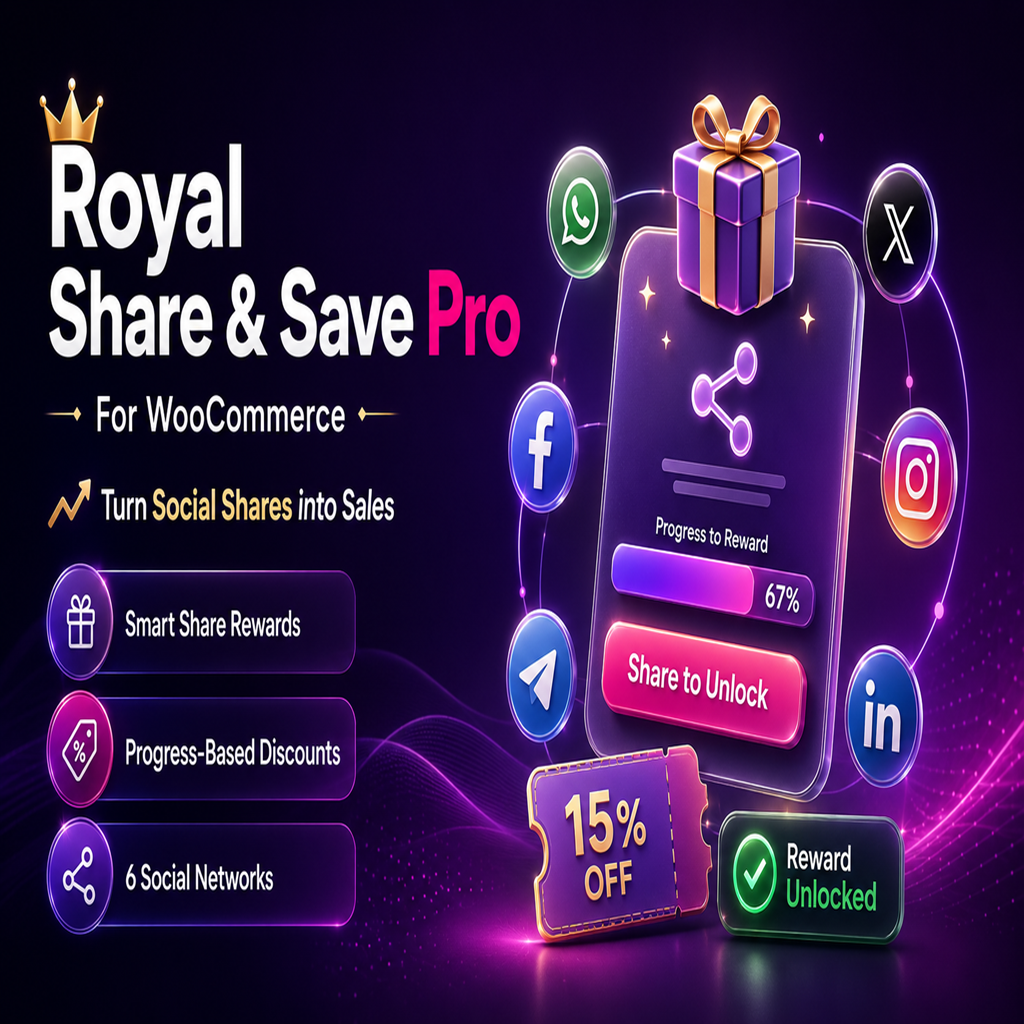
Royal Share Save Pro – WooCommerce Social Share Discount Plugin
Turn Product Shares into WooCommerce Sales
Royal Share & Save Pro for WooCommerce helps store owners
reward customers for sharing their products on social platforms. Instead of
displaying ordinary sharing buttons, the plugin creates an interactive reward
experience with a sharing goal, a visual progress bar and an automatic
WooCommerce coupon.
The customer is invited to share the current product with a specified number
of friends. Each accepted sharing interaction moves the progress bar forward.
When the required goal is completed, the configured WooCommerce coupon is
applied automatically to the customer’s cart.
How Royal Share & Save Pro Works
- Create a coupon using the native WooCommerce coupon system.
- Enter the coupon code in the Royal Share & Save settings.
- Select how many shares the customer must complete.
- Choose the social platforms that should appear in the sharing modal.
- The customer opens the premium sharing interface from the product page
or cart. - Each accepted sharing interaction updates the visual progress bar.
- After the sharing goal is reached, the plugin asks WooCommerce to validate
and apply the selected coupon. - The interface changes to a completed state and displays the configured
success message.
Automatic WooCommerce Coupon Rewards
Royal Share & Save Pro works with the existing WooCommerce coupon system.
You create and configure the coupon through WooCommerce, then enter its code
in the plugin settings. This means WooCommerce remains responsible for the
coupon’s value, discount type and eligibility rules.
The plugin automatically reads the real discount amount and type from the
selected coupon. A percentage coupon can therefore appear as a percentage,
while a fixed-value coupon uses the active WooCommerce currency symbol.
There is no separate discount value to maintain inside the plugin.
Smart Sharing Progress
Set the number of sharing interactions required to unlock the reward. The
customer can follow their progress through the reward card and the sharing
modal. The bar is updated after every accepted interaction and reaches 100%
when the configured target has been completed.
Sharing progress is stored separately according to the selected reward mode.
In Per Product mode, progress can be associated with the current product.
In Once Only mode, the reward is treated as a single store-wide opportunity.
Six Supported Social Platforms
The Pro version allows you to choose which sharing options should be available
to customers:
- Telegram
- X (formerly Twitter)
Each platform is presented with its recognizable brand icon inside the
responsive sharing modal. Store owners can enable only the networks that are
relevant to their audience.
Smart Engagement Tracking
The plugin monitors the sharing-window interaction and checks when the
customer returns to the store. An interaction must remain active for at least
two seconds before it can increment the sharing progress.
This provides a lightweight engagement check without requesting access to the
customer’s social-media account. It should be understood as an interaction
timing check and not as confirmation from a social network that a public post
was successfully published.
Flexible Reward Modes
Per Product
Customers can work toward a reward independently on each product. This option
is useful when product sharing is part of the store’s ongoing promotional
strategy.
Once Only
The reward can be limited to one completed claim across the store session.
This is useful when you want to present the promotion as a limited customer
reward rather than allowing it to repeat on every product.
WooCommerce Session Protection
Royal Share & Save Pro uses native WooCommerce Sessions to remember
completed reward claims. This helps prevent the same eligible reward from
being claimed repeatedly during the protected session.
The session-based approach does not require sensitive IP-address logging.
It is also more suitable for stores using caching services or CDNs than a
reward system based entirely on customer IP addresses.
Multiple Display Positions
Choose where the reward experience appears using supported WooCommerce
display hooks:
- Before the Add to Cart form
- After the Add to Cart form
- At the top of the product summary
- Inside the product sharing area
- Before the product metadata
- At the top of the WooCommerce cart
- At the bottom of the WooCommerce cart
Available positions depend on the WooCommerce hooks implemented by the active
theme or page template.
Premium Reward Interface
The frontend uses a polished reward card with a progress bar and a clear
Share to Unlock action. Clicking the action opens a responsive split-layout
modal containing the product image, product name, product price, offer
message, progress indicator and enabled sharing networks.
After WooCommerce successfully applies the coupon, the progress reaches 100%,
the action button changes to a disabled Reward Claimed state and a
canvas-based confetti celebration is displayed.
Design Customization
Match the reward widget to your storefront by configuring:
- Progress-bar gradient start color
- Progress-bar gradient end color
- Interface text color
- Horizontal reward-card layout
- Vertical or stacked reward-card layout
The default premium gradient uses vibrant magenta
#ff0080 and royal purple #7928ca.
Custom Messages and Dynamic Placeholders
Customize the customer-facing promotion message, success message, completed
card text, sharing message and sharing-button text. The plugin supports
dynamic values through the following placeholders:
{discount}— the discount read from the WooCommerce coupon{needed}— the total number of required shares{remaining}— the number of shares still required{shares}— the current sharing count
Secure Coupon Application
Coupon application is processed on the server through a secured AJAX request.
The plugin checks the request nonce, confirms that the cart contains a
product, validates the current product and retrieves the coupon code from the
saved server-side settings.
The coupon is applied only if WooCommerce accepts it. Existing WooCommerce
coupon restrictions, such as minimum spend, product eligibility and usage
rules, continue to apply.
Performance-Conscious Loading
Frontend styles and scripts are conditionally loaded on WooCommerce product
and cart pages instead of being added to every page of the website. The
interface is responsive and designed for desktop, tablet and mobile layouts.
Administration
The plugin adds a dedicated settings page under
WooCommerce → Royal Share & Save. From this screen,
administrators can manage reward logic, enabled networks, protection
settings, messages, display position, layout and colors.
Important Notes
- A valid WooCommerce coupon must be created before configuring the reward.
- The customer must have a product in the cart before a coupon can be applied.
- WooCommerce performs the final coupon validation.
- Social-platform availability can depend on the customer’s browser and device.
- Instagram opens the Instagram platform; it does not provide a direct web-share confirmation callback.
- The engagement timer does not guarantee that a social post was published.
Added WooCommerce coupon rewards based on sharing goals.
Added Facebook, WhatsApp, Telegram, X, Instagram and LinkedIn options.
Added automatic coupon discount value and type detection.
Added automatic coupon application after goal completion.
Added Per Product and Once Only reward modes.
Added WooCommerce Session protection against duplicate reward claims.
Added configurable product-page and cart display positions.
Added customizable promotion, success, completion and sharing messages.
Added dynamic message placeholders.
Added customizable gradient and text colors.
Added horizontal and vertical widget layouts.
Added premium reward card and split-layout sharing modal.
Added product image, product name and product price to the sharing modal.
Added animated progress tracking and reward-completed state.
Added confetti celebration after successful coupon application.
Added conditional frontend asset loading.
Added responsive desktop, tablet and mobile styling.
WooCommerce must be installed and activated
A valid WooCommerce coupon must be created and configured
JavaScript must be enabled in the customer’s browser
A WooCommerce-compatible theme with the selected display hook
HTTPS is recommended for production WooCommerce stores
Tested up to WordPress: 7.1
WooCommerce tested up to: 8.8