
Migrate Your WordPress Site with Zero Stress and Zero Errors
Say goodbye to broken XML files, missing images, and crashing servers. AutoFetch Content Migration Pro is the smartest, safest, and most effortless way to move your content, store, and designs to a new website.
Why is this different from standard migration tools?
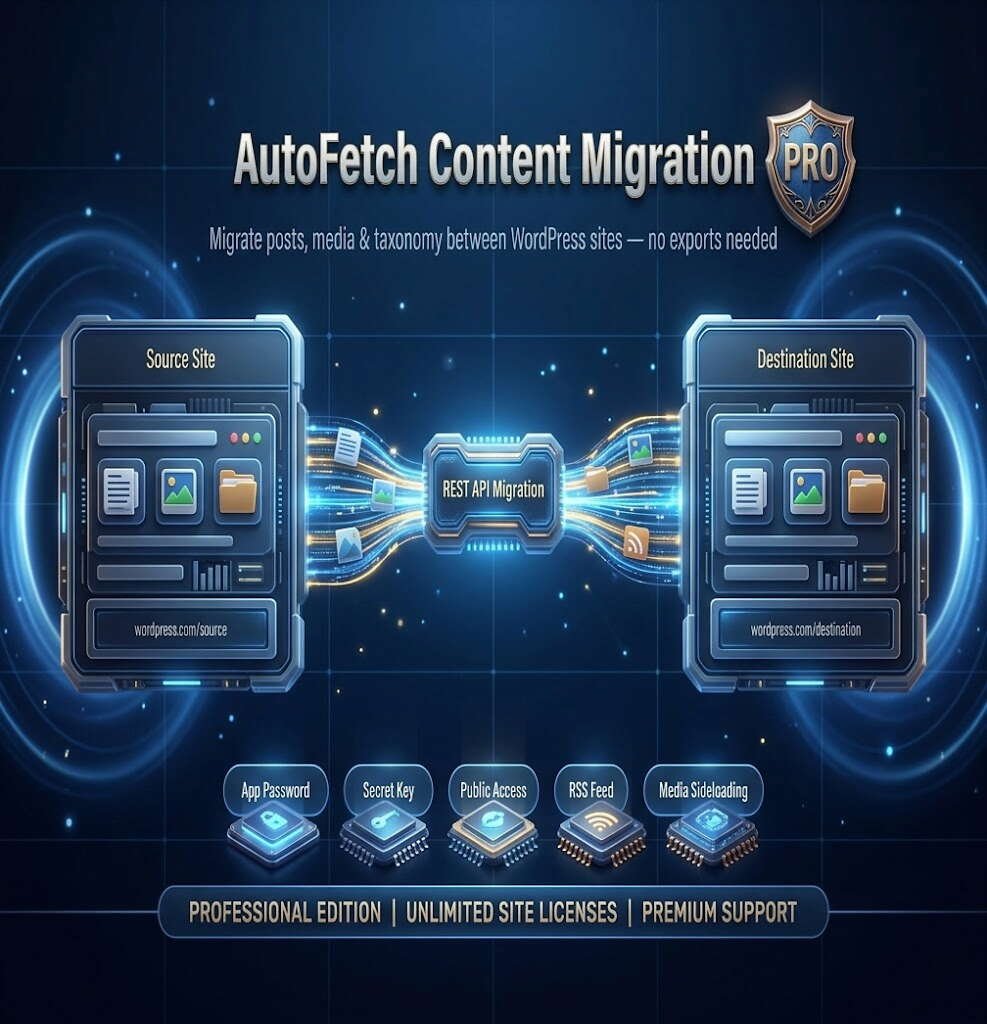
Traditional migration plugins force you to download massive database files that often crash your new server. AutoFetch Pro works differently. It acts as a smart bridge between your two websites, moving your content piece by piece directly over the native WordPress API. This means no server overloads, no timeouts, and a 100% success rate.
🌟 Premium Features Built for Professionals
🛒 Complete WooCommerce Support
Moving an online store has never been easier. AutoFetch Pro perfectly transfers your entire WooCommerce catalog. It safely moves your products, product categories, prices, sale schedules, and inventory status. Your store will be ready to sell on the new domain instantly.
🎨 Flawless Elementor Design Migration
Don’t lose hours of hard work! While free tools only move raw text, AutoFetch Pro is fully optimized for Elementor. It carries over your exact page structures, styles, and layouts, so your pages look identical on the new site without requiring manual redesigns.
🖼️ Smart Image Importer
Missing images are the biggest headache in site migrations. AutoFetch Pro automatically detects every image inside your articles and pages, downloads the actual files to your new Media Library, and magically updates the links in your text so nothing is broken.
🚀 Bulletproof Auto-Resume Engine
Got a massive site with thousands of posts? If your internet drops or your browser crashes halfway through, don’t panic! Simply refresh the page, and AutoFetch Pro will automatically resume the migration exactly where it left off. No duplicate posts, no starting from scratch.
📈 Keep Your SEO Rankings Safe
Moving domains shouldn’t hurt your Google rankings. Our plugin automatically captures your SEO titles, meta descriptions, and focus keywords from popular plugins like Yoast SEO and Rank Math, transferring them seamlessly to your new website.
How It Works (3 Easy Steps)
- Connect: Enter your old website’s URL and securely connect with a click.
- Select: Choose exactly what you want to move (Posts, Pages, or Products) and filter by categories if needed.
- Migrate: Hit “Start Migration”, grab a cup of coffee, and watch the live progress bar as your site is automatically rebuilt!
Stop wasting hours on manual site transfers.
Upgrade your workflow, protect your data, and migrate with absolute confidence.
Get AutoFetch Content Migration Pro today!
PHP Version: 7.4 or higher
The source website must have the WordPress REST API enabled.
(Optional) The companion plugin installed on the source site if you wish to use the secure "Secret Key" authentication method.